|
Universal Document lets users convert QuarkXPress files to any of the most popular graphic formats. In an important advantage, the software gives users control over all key parameters, like color depth, anti-aliasing, quality, structure, and more. It is important to note that only those parameters supported by the target format will be available during conversion.
Please follow this manual to start converting of QuarkXpress documents.
-
Download and install Universal Document Converter software onto your computer.
-
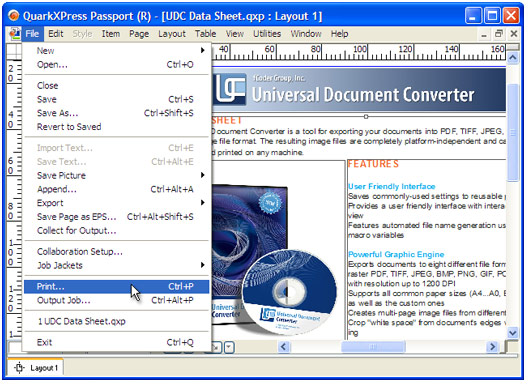
Open the document in QuarkXpress and press File->Print... in application main menu.
-
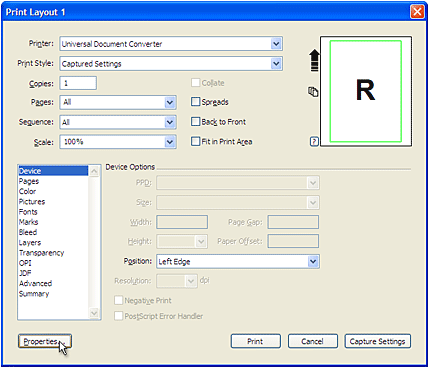
Select Universal Document Converter from the printers list and press Properties... button.
-
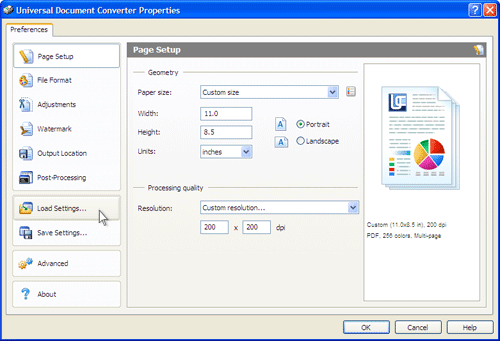
On the settings panel, click Load Properties.
-
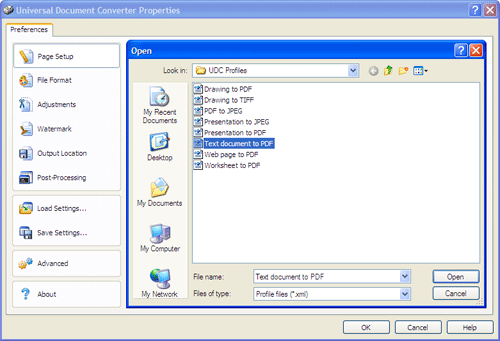
Use the Open dialog to select "Text document to PDF.xml" and click Open.
-
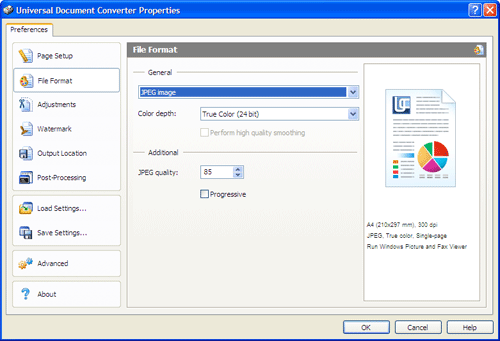
Select the required image format on the File Format tab and click
OK to close the Universal Document Converter Properties window.
-
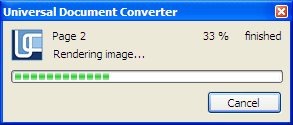
Press OK in QuarkXpress Print dialog to start converting. When the image file is ready, it will be saved to the My Documents\UDC Output Files folder by default.
-
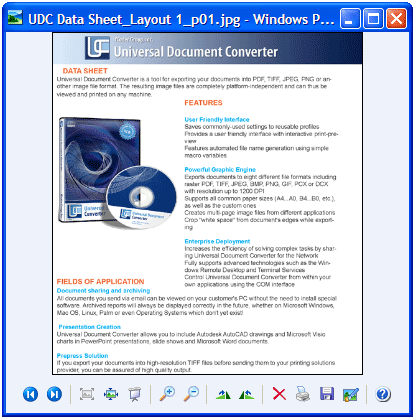
The converted document will then be opened in a program adjusted as a default image viewer on your computer.
|