|
DjVu is a format used to store scanned documents, books and periodicals. The format is popular for a number of reasons, primarily because DjVu files are generally smaller than PDFs. However, special plug-ins or viewers are required to view files saved in DjVu format, which limits the format?s accessibility. One way to solve this problem is to convert DjVu files to PDF format so that the resulting files meet all PDF specifications and can be opened on any computer. Universal Document Converter is the optimal solution for converting DjVu documents to PDF.
Please follow this manual to start converting of DjVu documents.
-
Download and install Universal Document Converter software onto your computer.
-
Install DjVu Browser Plugin for Internet Explorer from the
Caminova site.
-
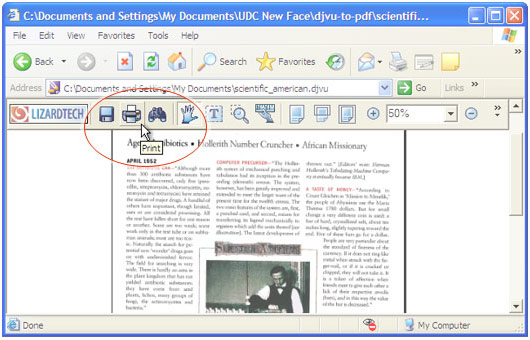
Open the DjVu file in Internet Explorer and press the Print button in the DjVu Browser Plugin toolbar:
-
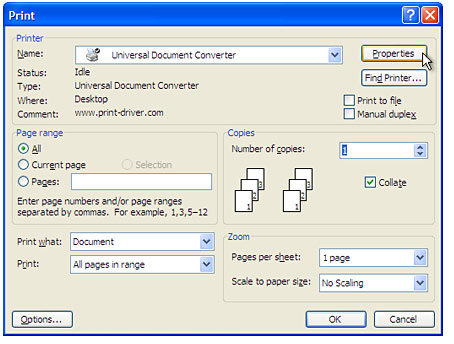
Select Universal Document Converter from the printers list and press Properties button.
-
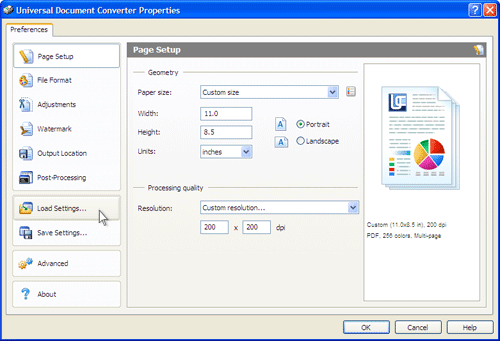
On the settings panel, click Load Properties.
-
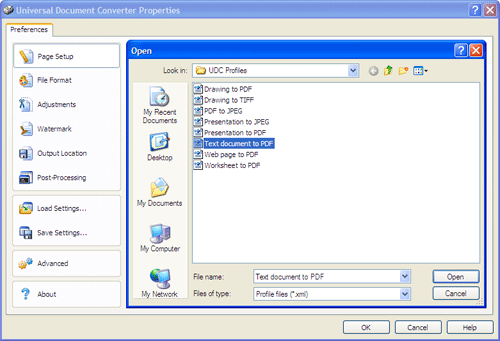
Use the Open dialog to select "Text document to PDF.xml" and click Open.
-
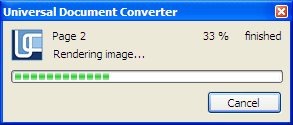
Press OK in the Lizardtech plugin Print dialog to start converting. When the PDF file is ready, it will be saved to the My Documents\UDC Output Files folder by default.
-
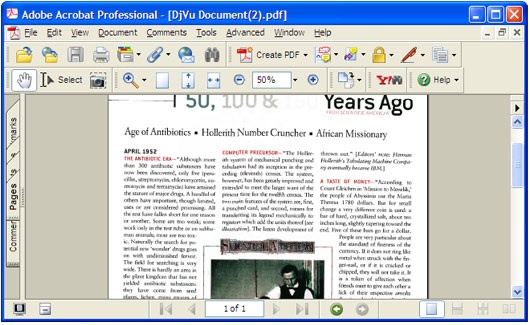
The converted document will then be opened in Adobe Acrobat or another viewer associated with PDF files on your computer.
|